If you think you need a laptop or expensive setup to make money online — you’re wrong.
Sponsored by MCPEUDAY
Today, you’ll learn how to earn money with Pinterest in mobile using a powerful method called Affiliate Marketing. This guide will show you how to turn your smartphone into an income-generating machine step by step.
This method works even if:
✔ You are a beginner
✔ You don’t have a website
✔ You only use a mobile phone
✔ You want passive income
Let’s get started.
- 📌 What is Pinterest & Why It’s Powerful for Earning?
- Pinterest Affiliate Earning Guide
- Step 1: Download Pinterest & Create an Account
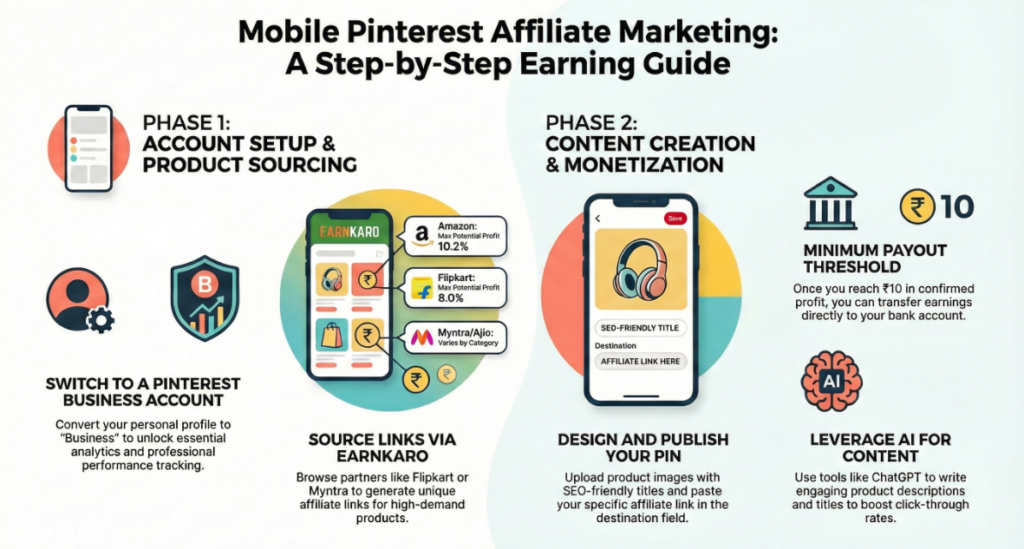
- Step 2: Convert to a Pinterest Business Account
- Step 3: Join an Affiliate Marketing Platform (EarnKaro)
- Step 4: Choose a Product to Promote
- Step 5: Create an Attractive Pinterest Pin
- Step 6: Upload the Pin on Pinterest
- Step 7: Write SEO Optimized Title & Description
- Step 8: How You Earn Money
- 💡 Pro Tips to Increase Pinterest Earnings
- 🚀 Final Words
📌 What is Pinterest & Why It’s Powerful for Earning?
Pinterest is not just a social media app. It is a visual search engine where people come to find:
- Shopping ideas
- Fashion inspiration
- Gadgets
- Home decor
- Lifestyle products
This makes it the perfect platform for affiliate marketing, where you promote products and earn commission when someone buys through your link.
And the best part?
You can do all of this directly from your mobile phone.
Pinterest Affiliate Earning Guide
Step 1: Download Pinterest & Create an Account
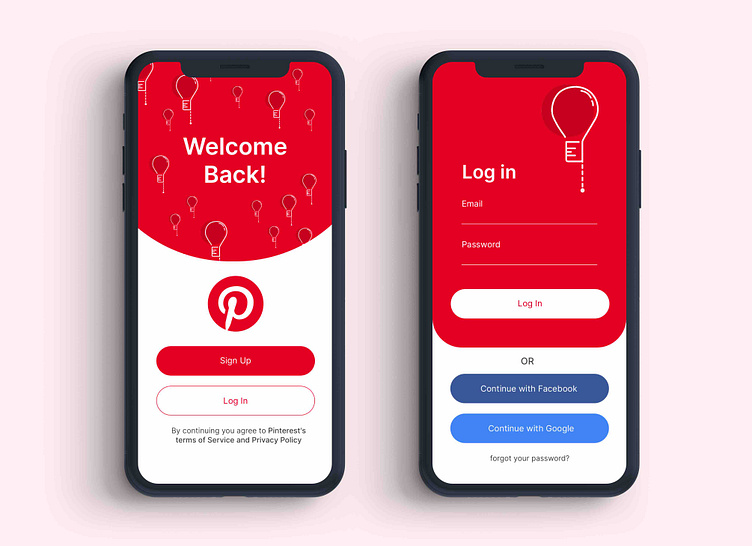
First, install the Pinterest app from the Play Store.
Steps:
- Open Google Play Store
- Search Pinterest
- Install the app
- Sign up using email or Google
- Create your profile
Step 2: Convert to a Pinterest Business Account
To understand how to earn money with Pinterest in mobile, this step is VERY important.
A Business Account gives you:
✔ Analytics
✔ Reach insights
✔ Professional tools
✔ Better visibility
How to Convert:
- Go to your Profile
- Tap the 3 dots / Settings
- Open Account Management
- Select Convert to Business Account
- Choose category: Creator / Influencer
- Skip website if you don’t have one
Now your account is ready for earning!
Step 3: Join an Affiliate Marketing Platform (EarnKaro)
To earn money, you need affiliate links.
One beginner-friendly platform is EarnKaro, which allows you to promote products from:
- Amazon
- Flipkart
- Myntra
- Ajio
- Many more

Steps:
- Install EarnKaro App
- Create a free account
- Browse products from popular stores
- Select a product
- Tap Share → Make Affiliate Link
- Copy your special affiliate link
This is the link that will make you money.
Step 4: Choose a Product to Promote
To succeed in How to Earn Money with Pinterest in Mobile, choose products that people love to buy.
Best categories:
✔ Fashion (trending outfits)
✔ Gadgets
✔ Beauty products
✔ Home decor
✔ Fitness accessories
Go to any store inside EarnKaro → Choose a product → Generate affiliate link.
Step 5: Create an Attractive Pinterest Pin
Pinterest is visual. If your pin looks boring, nobody clicks.
You can:
- Take screenshot of product
- Use Canva
- Use AI tools
- Edit using mobile apps
🖼 IMAGE GENERATION PROMPT (Use this to create a Pinterest Pin image)
Prompt:
"A modern Pinterest pin design showing a stylish fashion product on a clean aesthetic background, bold text saying 'Trending Fashion Deal', bright lighting, minimal design, mobile screen friendly layout, high click-through rate style"
Step 6: Upload the Pin on Pinterest

Steps:
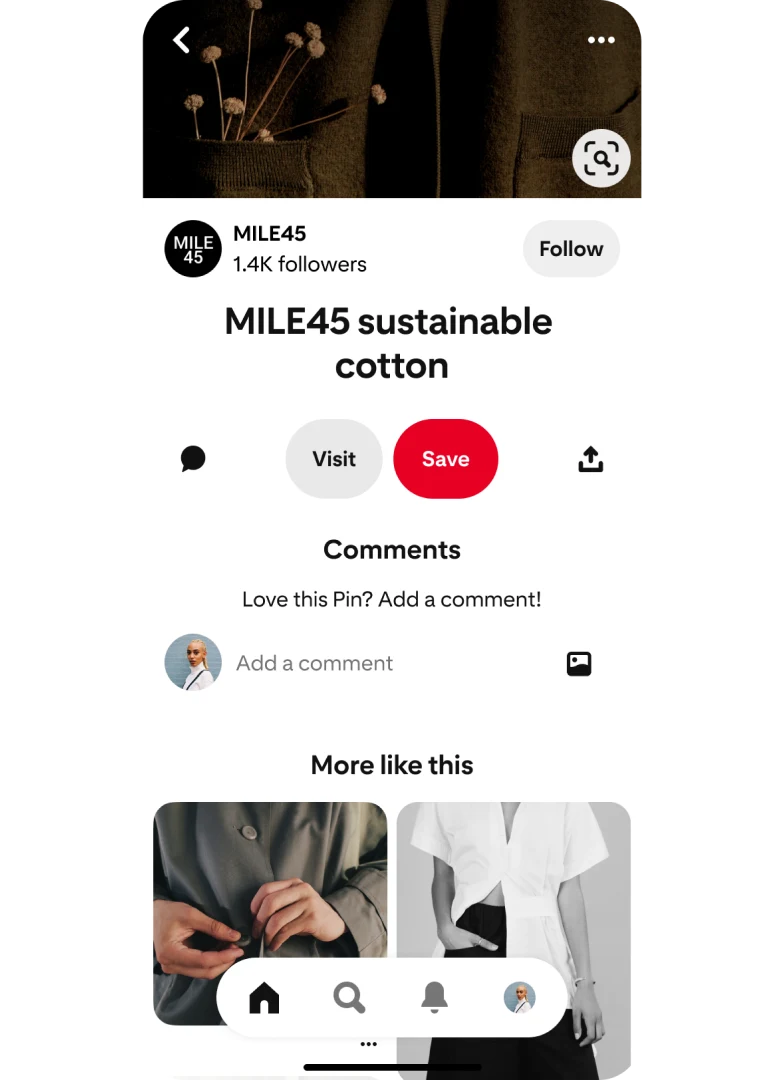
- Tap + button
- Select Pin
- Upload your product image
- Write Title (use keywords)
- Write Description
- Paste your Affiliate Link
- Choose a Board
- Tap Publish
Done! Your earning machine is live.
Step 7: Write SEO Optimized Title & Description
This is the secret to ranking on Pinterest search.
Example Title:
Best HRX Shoes for Men – Budget Friendly Sports Shoes Deal
Example Description:
Looking for stylish and comfortable sports shoes? Check out these trending HRX shoes at a special discount. Perfect for gym, running, and casual wear. Grab the deal now!
Use keywords like:
- Best deal
- Trending product
- Budget buy
- Limited offer
Step 8: How You Earn Money
When someone:
- Sees your pin
- Clicks your link
- Buys the product
You earn commission 💰
Your earnings appear in the EarnKaro app, and you can withdraw directly to your bank or UPI.
💡 Pro Tips to Increase Pinterest Earnings
✔ Post daily pins
✔ Use bright & clear images
✔ Focus on trending products
✔ Use keyword-rich descriptions
✔ Join multiple affiliate platforms
✔ Create 5–10 pins per product
Consistency = Passive Income
🚀 Final Words
Now you clearly understand How to Earn Money with Pinterest in Mobile without a laptop, website, or investment.
Just:
📌 Pick products
📌 Create pins
📌 Add affiliate links
📌 Stay consistent
Pinterest traffic grows over time, so your pins can keep earning for months.
Start today, and turn your mobile phone into a money-making tool!
Sponsored by MCPEUDAY
Click and wait 30 seconds